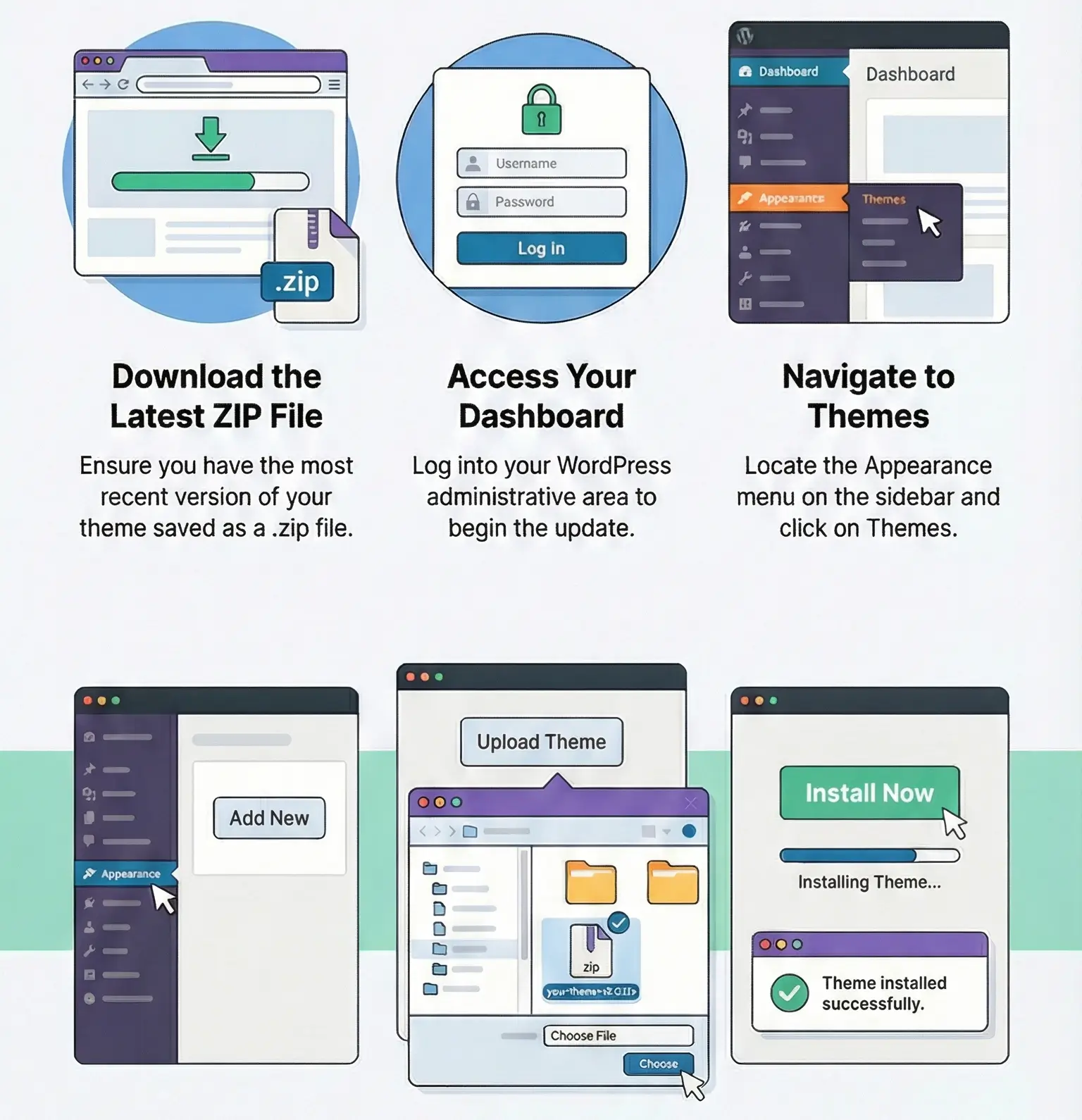
Tired of complicated updates or worrying you might break your site? The Easy Theme and Plugin Upgrades plugin makes it super simple to keep everything fresh — without losing the old versions.
How It Works?
- Install and activate the plugin.
- When you want to update a theme or plugin, just upload the new ZIP file.
- The plugin automatically saves a backup of your old version.
- It then replaces it with the new one — done!
Updating via FTP (When the file is too big)
Sometimes WordPress won’t let you upload large files. In that case, you can update manually using FTP.
- Unzip the new theme or plugin on your computer.
- Connect to your site with an FTP client like FileZilla.
- Go to wp-content/themes or wp-content/plugins.
- Upload the new files and overwrite the old ones.
- Go back to WordPress and activate the updated version.
✅ Bottom line: With Easy Theme and Plugin Upgrades, you can keep your site up-to-date in just a few clicks — safely, quickly, and without stress.