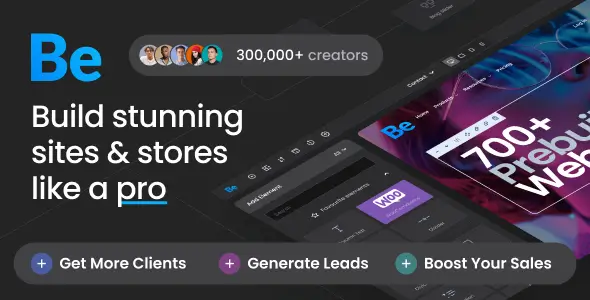
Betheme is a responsive multipurpose WordPress and WooCommerce theme engineered to handle a wide spectrum of web projects, from corporate business sites to extensive e-commerce stores. By offering multiple integrated page builders and a vast catalog of pre-configured layouts, the theme serves as a flexible framework for developers and agencies aiming to accelerate their site-building workflow.
Architectural Flexibility and Core Features
The primary configuration of the theme is managed through a comprehensive theme options panel, where administrators define global settings such as grid widths, typography, and responsive behaviors. The design process relies heavily on its modular components:
- Multiple Page Builders: The theme includes its proprietary BeBuilder alongside the WPBakery Page Builder. It is also fully compatible with Elementor and Elementor Pro, letting you choose your preferred editing environment.
- Pre-built Website Library: Provides over 700 importable niche templates, enabling a rapid starting point for layout structures, portfolio grids, and page hierarchies.
- Advanced Header Configuration: Offers seven distinct header layouts, a dedicated header and footer builder, sticky menu toggles, and robust Mega Menu support.
- Bundled Slider Revolution 6: Integrates directly with this premium plugin for constructing responsive, layered animations and interactive video headers.
- WooCommerce Integration: Supports the latest WooCommerce versions, providing specific styling controls and custom layouts for product archives and single product pages.
- Custom Typography Control: Includes integration with over 1,900 Google Fonts alongside a custom font uploader to maintain strict project branding guidelines.
Workflow Integration and Known Limitations
Deploying this theme typically involves installing the core package, selecting a preferred page builder, and optionally importing a demo layout to establish the site architecture. While the layout structures are imported accurately, it is important to note that the stock images and icons seen in the live demo previews are not included in the installation files and must be replaced with original media. Additionally, utilizing the built-in Google Maps elements requires a valid Google Maps Platform billing account and API key. Multilingual setups are supported natively via a built-in translator or through integration with the WPML plugin, which must be acquired separately.
WPLEND Licensing and Maintenance
We provide this theme in a fully functional format that does not require a vendor license key to operate its primary layout and design features. Because the installation operates independently of the original author’s registration system, vendor-specific services like direct support tickets, automatic background updates, and access to heavily restricted cloud-based template libraries are not available. You can keep the theme current by downloading the latest version from WPLEND and installing it manually or via our update utility. Our team is ready to help with basic installation and general technical questions, though advanced customizations and third-party plugin debugging remain the responsibility of the site administrator.
Betheme Technical FAQ
Can I switch between BeBuilder and Elementor on the same site?
While both builders are supported by the theme, it is recommended to construct a specific page using only one builder to avoid code conflicts. You can use Elementor for some pages and BeBuilder for others, but mixing them within the exact same page container is not supported.
Do the bundled premium plugins require separate license keys?
No, plugins like Slider Revolution and WPBakery Page Builder are bundled directly with the theme files. They will function normally for design tasks without their own standalone licenses, though direct plugin updates from the author and premium manufacturer cloud templates are restricted.
How do I apply updates to the theme safely?
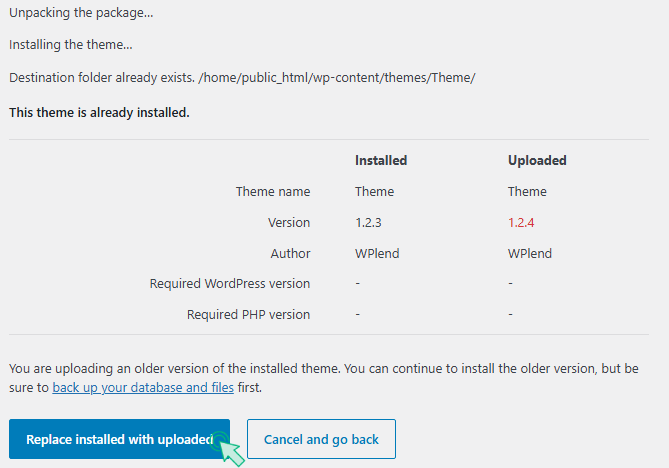
To apply a new version, download the updated package from your WPLEND dashboard. You can then overwrite the existing theme files via your WordPress dashboard or FTP, ensuring that any custom code you have written is safely stored in a separate child theme.